
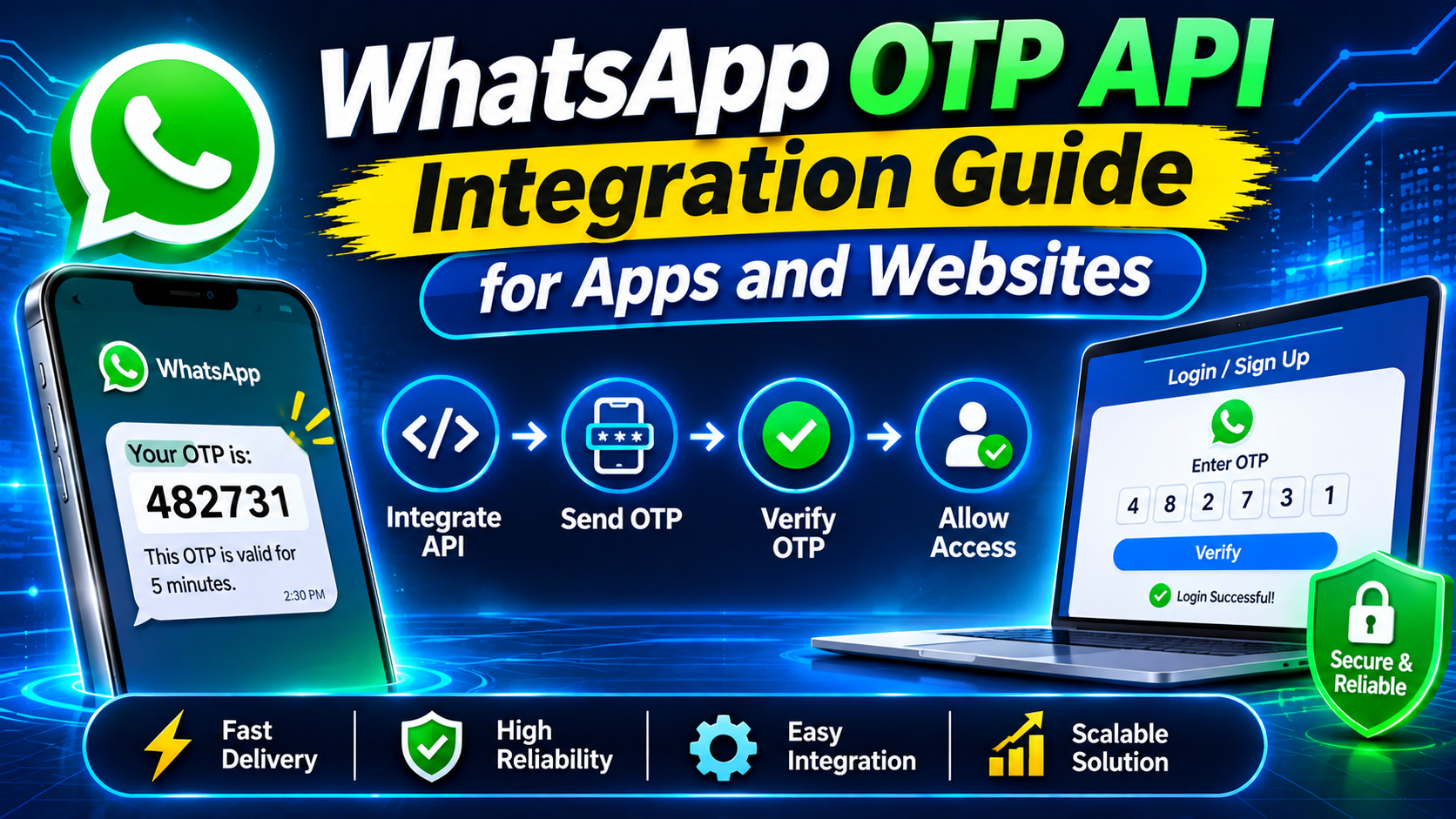
WhatsApp OTP API Integration Guide for Apps and Websites
User verification is an important part of almost every modern website and mobile application. Whether someone is creating an account, logging in, resetting a password or verifying a mobile number, OTP (One-Time Password) verification helps businesses confirm user access.
Traditionally, many businesses have used SMS OTP services for this purpose. However, WhatsApp has also become an important communication channel for businesses that want to deliver verification messages through a familiar messaging application.
This is where a WhatsApp OTP API becomes useful.
A WhatsApp OTP API allows websites and applications to send automated verification codes to users through WhatsApp. Instead of manually sending messages, businesses can connect an API with their backend and automate the entire verification process.
For developers, the integration can be useful for registration pages, login systems, password recovery and other account verification workflows.
In this guide, we will explain how WhatsApp OTP API integration works, how developers can set it up and what businesses should consider before choosing a WhatsApp OTP provider.
What Is a WhatsApp OTP API?
A WhatsApp OTP API is an interface that allows applications and websites to send one-time passwords through WhatsApp automatically.
It connects your software with a messaging service so that verification messages can be generated and delivered without manual intervention.
For example, when a user registers on your website, your backend can generate a temporary verification code and request the WhatsApp OTP service to send it to the user's registered mobile number.
The user receives the code on WhatsApp and enters it into the application to complete verification.
A WhatsApp OTP API can be used for:
- Website registration verification
- Mobile app login verification
- Password reset requests
- Account authentication
- Mobile number verification
- Customer onboarding
- Secure account access
The main purpose is to make user verification more convenient and automate communication between your application and the messaging platform.

How Does WhatsApp OTP API Integration Work?
The working process of a WhatsApp OTP API is relatively simple from a developer's perspective.
Your application generates an OTP, sends a request to the API provider and receives a response indicating whether the request was accepted for processing.
Here is how the complete workflow generally works:
Step 1: User Requests an OTP
A user enters their mobile number on your website or application and clicks the Verify button.
Step 2: Your Backend Generates an OTP
The application backend generates a temporary verification code.
For security, the OTP should be random, time-limited and associated with the correct user session.
Step 3: API Sends the WhatsApp Message
Your backend sends an API request containing the required recipient and message information.
The WhatsApp messaging provider processes the request according to its supported integration and messaging requirements.
Step 4: User Receives the OTP
The user receives the verification message through WhatsApp, subject to account, template, recipient and delivery requirements.
Step 5: User Enters the OTP
The user enters the received code into your application.
Step 6: Backend Verifies the Code
Your backend checks whether the OTP is correct and has not expired or already been used.
If the verification is successful, the application can allow the user to continue.
Why Do Businesses Use WhatsApp OTP Services?
Businesses are always looking for convenient ways to verify users without making the registration or login process complicated.
WhatsApp OTP services provide another channel for sending verification messages.
Some important benefits include:
1. Familiar Communication Channel
Many users are already familiar with WhatsApp. Receiving a verification message through a messaging application can make the process easier to understand.
2. Automated Verification
Once integrated, the API can automatically send OTP messages whenever a user requests verification.
This reduces the need for manual communication.
3. Easy Integration With Existing Software
Developers can connect WhatsApp OTP APIs with websites, Android applications, iOS applications and backend systems using supported API endpoints.
4. Useful for Different Business Applications
WhatsApp OTP can be used for different verification workflows, including registration, login, password recovery and account access.
5. Additional Verification Channel
Businesses can consider WhatsApp alongside SMS and other supported communication channels, depending on their users and technical requirements.
WhatsApp OTP API vs SMS OTP API: What Is the Difference?
Both WhatsApp OTP and SMS OTP services are used to send verification codes, but the delivery channels are different.
| Feature | WhatsApp OTP API | SMS OTP API |
|---|---|---|
| Delivery channel | Mobile SMS | |
| Internet requirement | Required for WhatsApp messaging | Not required for standard SMS reception |
| Message format | Supported WhatsApp message formats | Text messages |
| Integration | WhatsApp messaging integration | SMS API integration |
| User experience | Message received in WhatsApp | Message received in SMS inbox |
| Template requirements | Applicable WhatsApp rules | Depends on SMS route and regulations |
| Delivery dependency | WhatsApp and provider availability | Telecom network and SMS provider |
Neither channel guarantees successful delivery in every situation.
The right choice depends on your target audience, user preferences, regional requirements and verification needs.
For some businesses, using both channels as part of a properly designed verification strategy can be useful.
How to Integrate WhatsApp OTP API Into Your Website or App
Developers can integrate a WhatsApp OTP API into an existing software system using the provider's API documentation.
Although the exact implementation varies between providers, the general process is similar.
Step 1: Select a WhatsApp OTP API Provider
Choose a provider that offers suitable API documentation, integration assistance, pricing and support for your business requirements.
Check the messaging setup, template requirements and applicable WhatsApp policies before starting.
Step 2: Create Your Account
Register with the selected provider and complete the required onboarding process.
Depending on the service, you may need to configure a WhatsApp Business account and complete applicable verification requirements.
Step 3: Get API Credentials
After completing the required setup, obtain the API credentials needed to authenticate your application.
Keep API keys and access tokens secure. They should never be exposed directly in frontend code.
Step 4: Configure the OTP Message
Set up the supported OTP message format or approved template according to the provider's integration instructions and applicable WhatsApp requirements.
Step 5: Connect the API With Your Backend
Use your preferred programming language or backend framework to send requests to the API endpoint.
The backend should handle OTP generation, API communication, verification and expiry.
Step 6: Test the Complete Workflow
Before launching, test the complete registration and login process.
Check API responses, incorrect OTP handling, expired codes, duplicate requests and message delivery status.
Example of a WhatsApp OTP API Request
Most API integrations use a structured HTTP request to communicate with the provider.
The following is a simplified illustrative example. Actual endpoint URLs, authentication headers and parameters depend on the API provider.
POST /send-otp Content-Type: application/json Authorization: Bearer YOUR_API_KEY
Example request body:
{ "mobile": "919876543210", "otp": "482916", "type": "verification" }
A typical API response may contain information such as:
{ "success": true, "message": "OTP request accepted", "request_id": "example_request_id" }
These examples are for understanding the integration concept and are not actual MeraOTP endpoint specifications.
Developers should always refer to the provider's official documentation for the correct request format and response parameters.
Important Security Practices for WhatsApp OTP Integration
OTP verification is connected directly to user accounts, so security should never be ignored.
Here are some important practices developers should follow.
Use Short OTP Expiry Times
OTP codes should remain valid only for a limited period. Expired codes should not be accepted.
Add Request Rate Limits
Limit the number of OTP requests a user can make within a specific period. This helps reduce spam and automated abuse.
Never Store OTPs as Plain Text
Where OTP storage is necessary, use secure storage practices and avoid keeping sensitive verification codes in plain text.
Prevent OTP Reuse
After successful verification, an OTP should be marked as used and should not work again.
Protect API Credentials
Store API keys and authentication tokens on your backend rather than exposing them in browser or mobile application code.
Validate Every Verification Request
The backend should verify the recipient, session, OTP expiry and request status before allowing access.
These steps help make the verification system more secure and reliable.
Common WhatsApp OTP API Integration Problems
During development, some businesses may encounter technical or delivery-related issues.
Understanding these problems can make troubleshooting easier.
1. OTP Message Not Received
Possible reasons include incorrect mobile numbers, recipient restrictions, messaging configuration or delivery issues.
2. Invalid API Credentials
Incorrect or expired API credentials may cause authentication failures.
3. Template Errors
WhatsApp messages may fail if the required template is not configured correctly or does not comply with applicable messaging policies.
4. API Timeout
Network problems or provider-side issues can prevent a request from receiving a timely response.
5. Incorrect OTP Verification
This may happen because of expired codes, incorrect user input or problems in backend verification logic.
Developers should maintain request logs and use the provider's response codes to identify the cause of errors.
How MeraOTP Helps Businesses With OTP Services
MeraOTP is an OTP service provider focused on helping applications, websites and gaming platforms implement user verification.
The platform provides different communication solutions, allowing businesses to select services according to their technical requirements.
Its services include:
WhatsApp OTP API
Businesses can integrate WhatsApp OTP functionality into supported applications and websites to automate verification messages.
OTP SMS Without DLT
MeraOTP also offers basic SMS OTP services without requiring the developer to go through a traditional DLT documentation process for the supported service.
Businesses can register on the website and explore the available free plan to start testing basic SMS OTP functionality.
Free SMS OTP Plan
MeraOTP offers a free plan for basic SMS OTP services, allowing eligible users to explore the service before selecting a paid option.
RCS Messaging
RCS messaging provides another communication option for businesses looking to use supported rich messaging features.
Bulk WhatsApp Marketing Software
Businesses can also explore bulk WhatsApp marketing software for their separate business communication requirements, subject to applicable messaging rules and consent requirements.
Developer Documentation and Support
MeraOTP provides API documentation and customer support to help developers configure integrations and understand the available services.
The onboarding process for the supported basic SMS OTP service is designed to be simple, so businesses can get started without unnecessary setup steps.
Visit meraotp.com to explore available OTP services, plans and integration options.
Final Thoughts
WhatsApp OTP API integration gives businesses another way to automate user verification across websites and mobile applications.
By connecting a WhatsApp messaging service with your backend, you can automate OTP generation, message requests and verification workflows.
However, a good OTP system needs more than just message delivery. Security, expiry management, request limits, error handling and reliable backend verification are equally important.
If you are looking for OTP solutions for your application, website or game, MeraOTP provides WhatsApp OTP API, basic SMS OTP without DLT, RCS messaging and developer support.
Explore MeraOTP.com to find an OTP service that matches your integration requirements.
Note: WhatsApp messaging is subject to applicable WhatsApp Business Platform policies, template requirements and recipient consent rules. SMS services are also subject to applicable telecom regulations and service conditions.